A campaign needs the same story at 16:9 for the site, 9:16 for stories and reels, and 1:1 for the feed. The usual approach is to finish the landscape edit and then crop it. That is not versioning, and it shows.
What breaks when you crop late
Subjects drift out of frame on a hard crop. Lower thirds and price overlays built for a wide frame either shrink to unreadable or get cut in half. Pacing that works at 90 seconds on a landing page is far too slow for a feed where the first three seconds decide everything.
Plan the ratios into the master
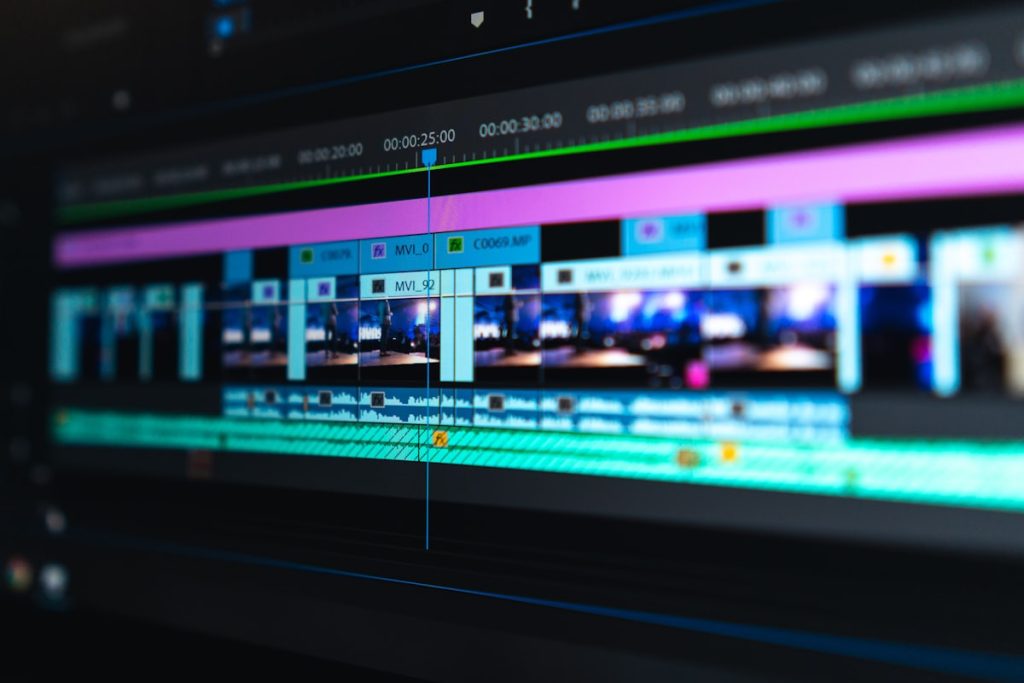
The master edit is graded and cut once, with the safe areas for every target ratio marked from the start. Subjects stay inside the narrowest safe area at the moments that matter. Titles are built as separate elements per ratio rather than baked into the picture.
From there each version is a genuine edit rather than a crop: the vertical cut is shorter, opens harder and carries its own titles; the square sits between the two.
Sound off by default
Most feed viewing is muted. If the point of a shot depends on the voiceover, the vertical version needs it on screen. Burned-in captions for the feed, a sidecar file for the site, so the same edit serves both.
What to send
The footage, a reference for tone, and the list of channels you actually publish to. The channel list is the part most briefs leave out, and it is the part that decides how the master gets built.